Buying crypto with PayPal is fast and familiar for beginners, and the process is pretty simple. You simply pick an exchange that supports PayPal, complete KYC verification, link your account, deposit and trade. Ensure you look out for fees across platforms, and pick the most pocket-friendly choice available. Let’s break down the whole process below
Step 1: Choose an Exchange That Supports PayPal in Your Region
Search for crypto exchanges that list PayPal as an on-ramp in your region, confirm the availability, fees, and support level. Some platforms, like Coinbase, offer complete deposit and withdrawals, while others, like Gemini, offer only deposit support.
Step 2: Create an Account and Complete KYC
Sign up with your email, complete KYC requirements to make your first deposit via PayPal. Some platforms require you to provide an ID card, a driver’s license, or an address. Completing KYC reduces your limits and allows you to freely explore the features on the exchange.
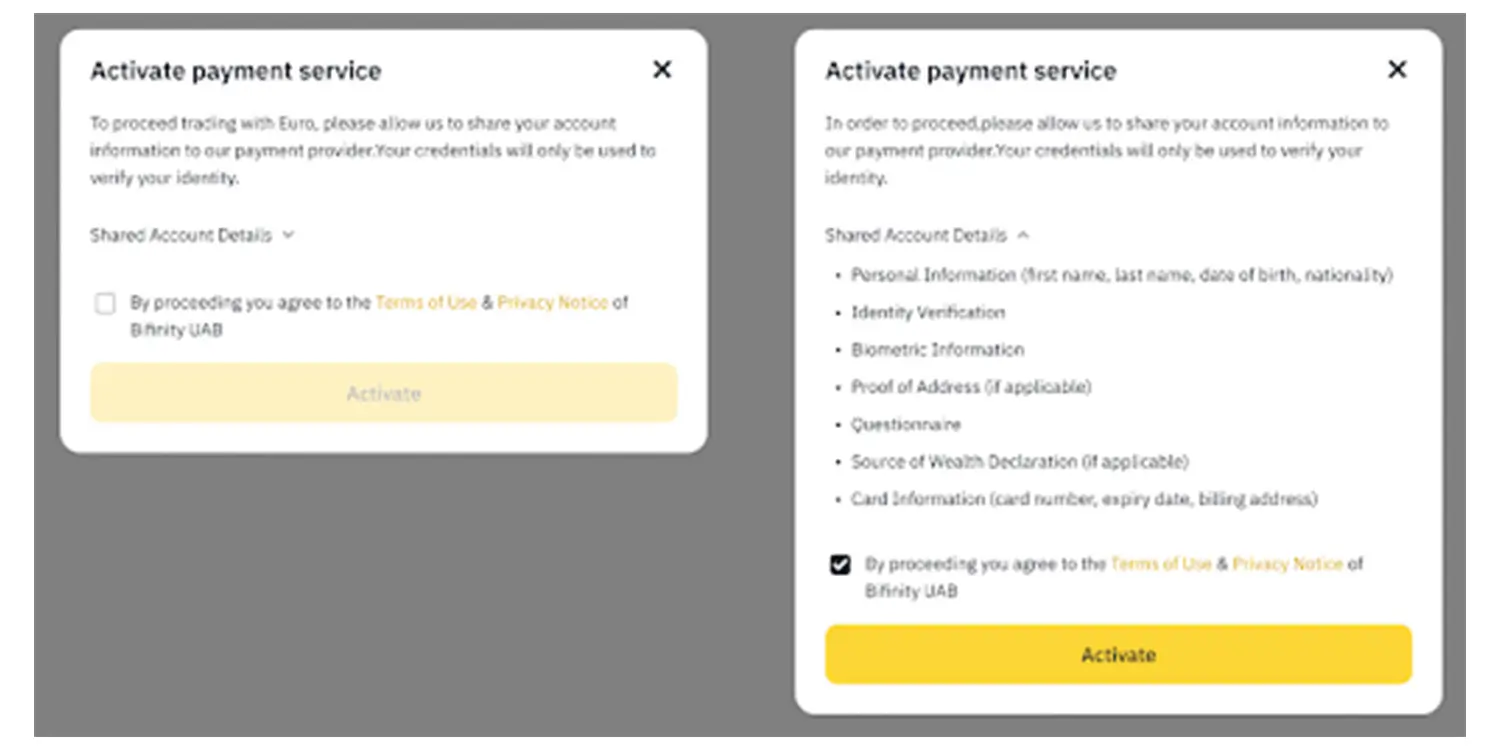

Step 3: Link Your PayPal Account
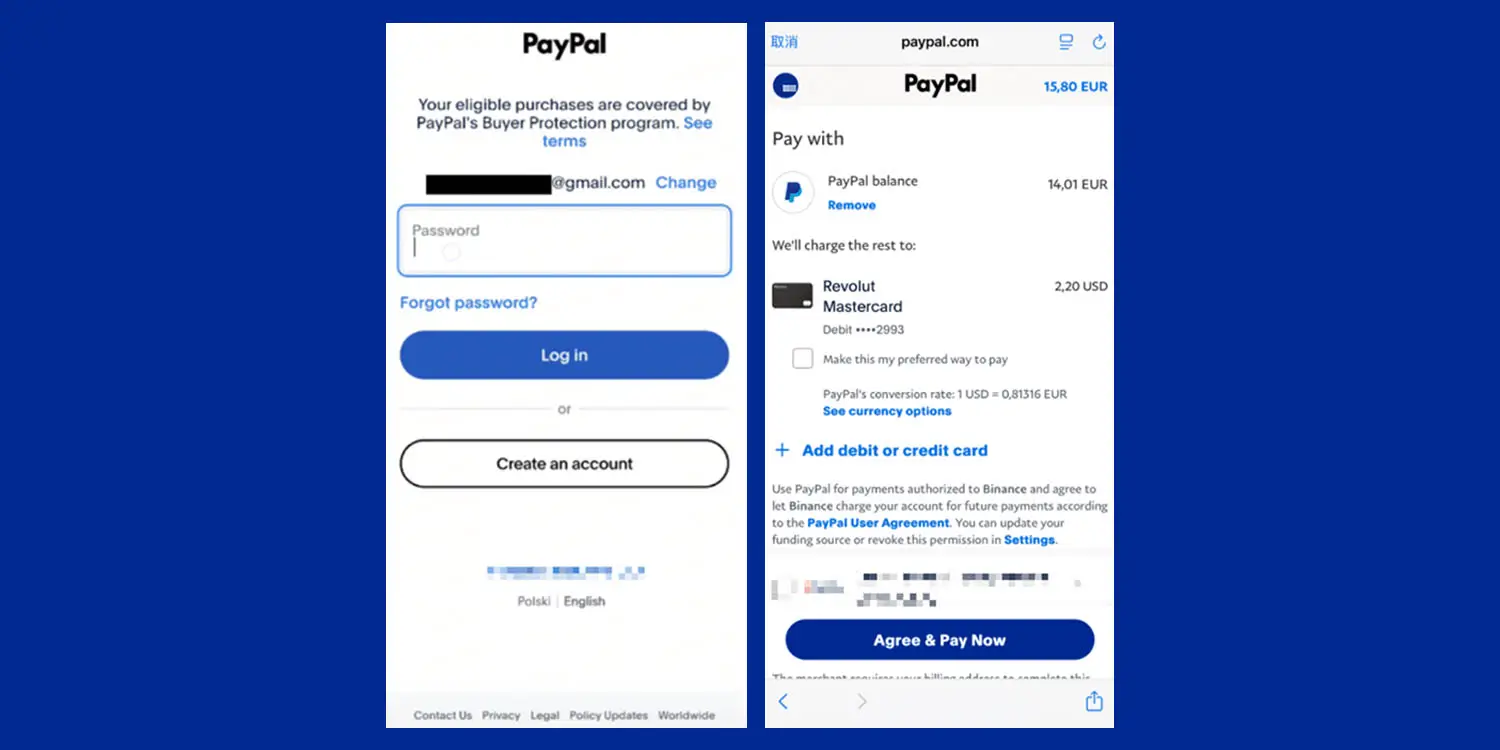
Head to the exchange’s payment settings and select PayPal, and follow the link to log in. Ensure the name on your PayPal matches the name on the exchange’s account to prevent issues with withdrawals.
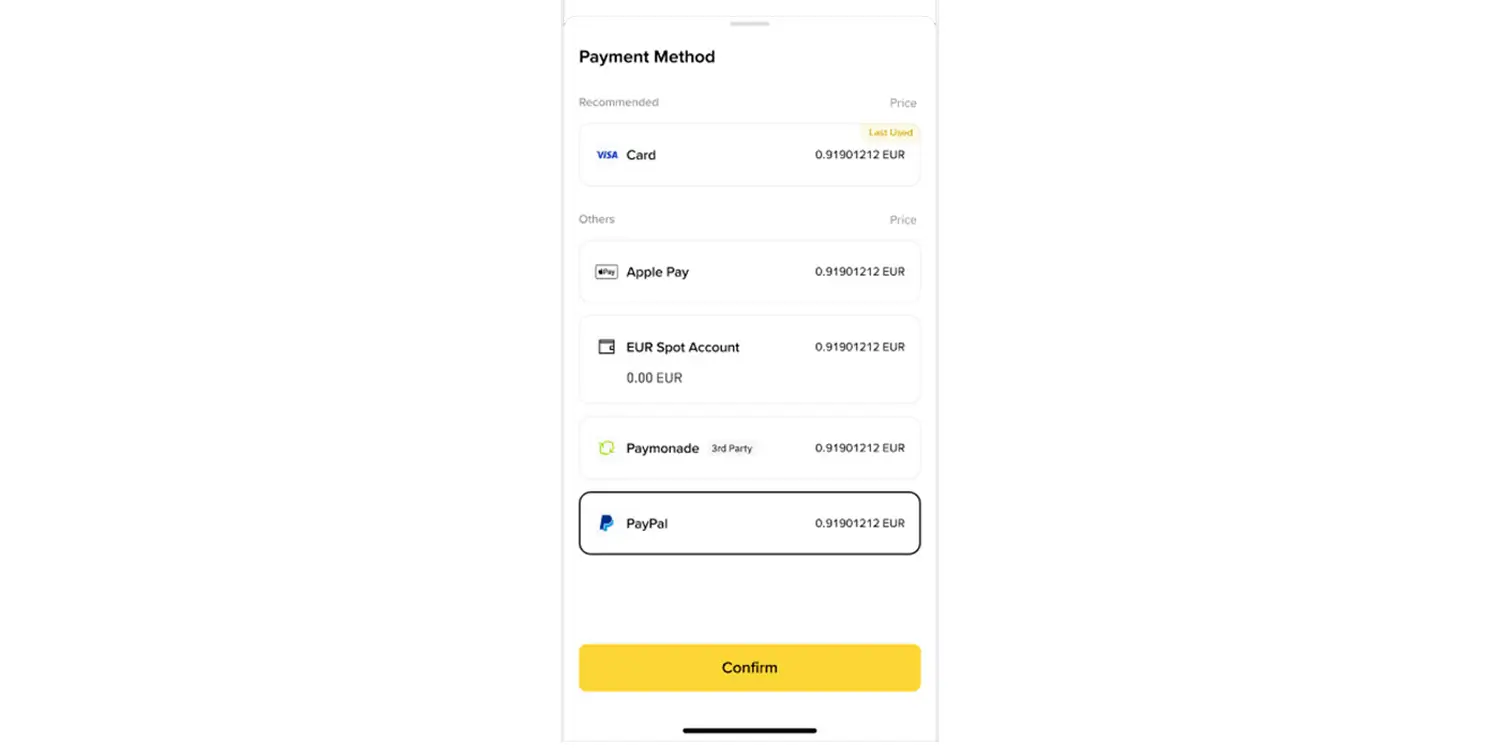

Step 4: Deposit Via PayPal
Once you’ve successfully linked your PayPal account, the next step is to make your first deposit via PayPal. Choose PayPal as your payment method, enter the amount and confirm. Don’t forget to check for deposit fees and watch out for limits on the exchange.
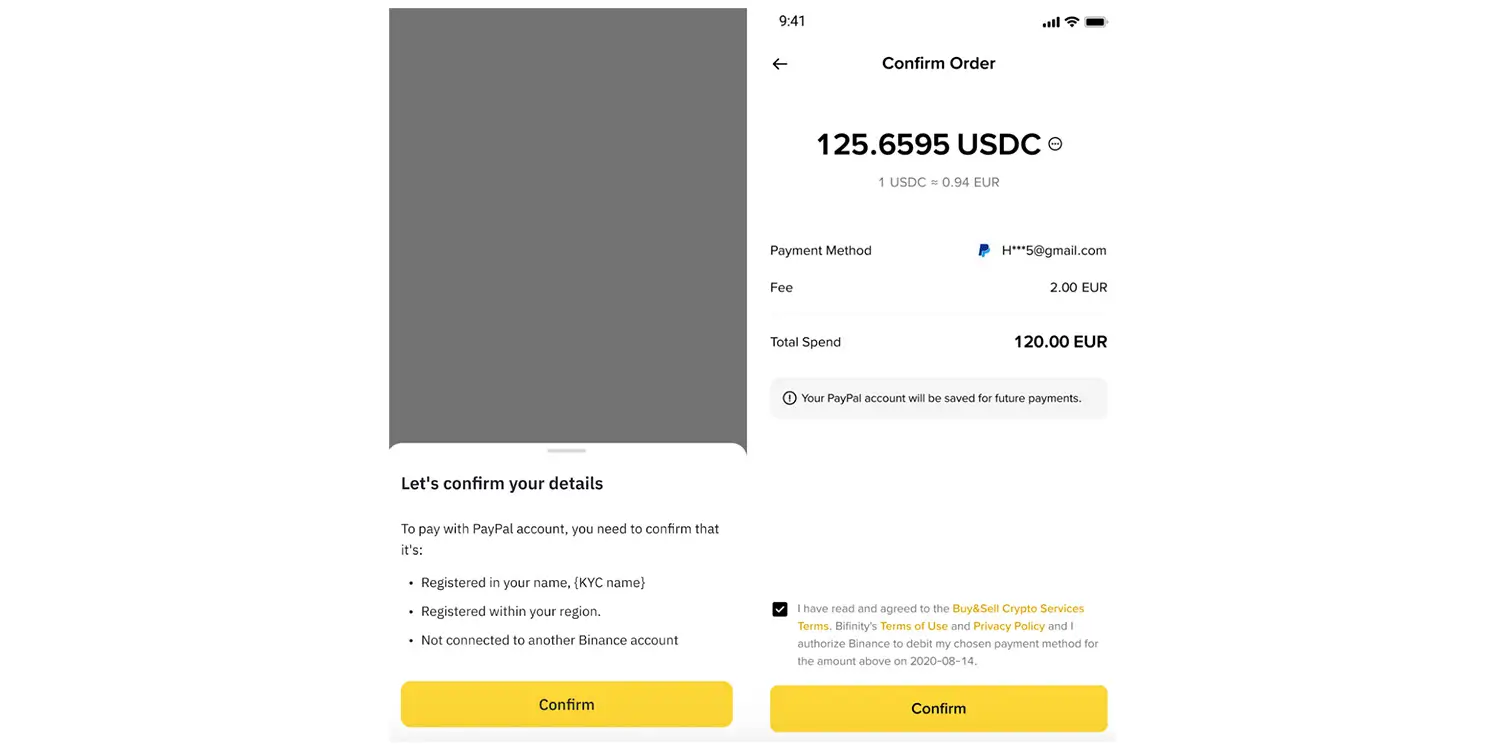
Source: Binance
Complete the entire setup.

Source: Binance
Step 5: Buy Your Preferred Crypto
Here, we’ll show you how to buy Bitcoin with PayPal. Once the deposit has been made, go to the market or buy page, select the crypto you want to buy (BTC or ETH, etc), select the amount, and confirm. This is the core of “how to buy crypto with PayPal.” Don’t forget to check fees and spreads before confirming
Step 6: Withdraw to Wallet or Keep on Exchange
Decide if you want to store your assets on the exchange or move them to an external wallet. We recommend moving them to an external wallet if your goal is long-term. If you plan to withdraw immediately, find out the exchange’s rules on withdrawals. Some, like Kraken, prevent instant withdrawal.
Source: https://coingape.com/best-crypto-exchanges-that-accept-paypal/